
Industries & Services
Define up to 10 industries and add up to 15 services per category in your OMR Manager profile to showcase your agency expertise and attract qualified clients
How to optimize your OMR Reviews profile: Define industries and add important links
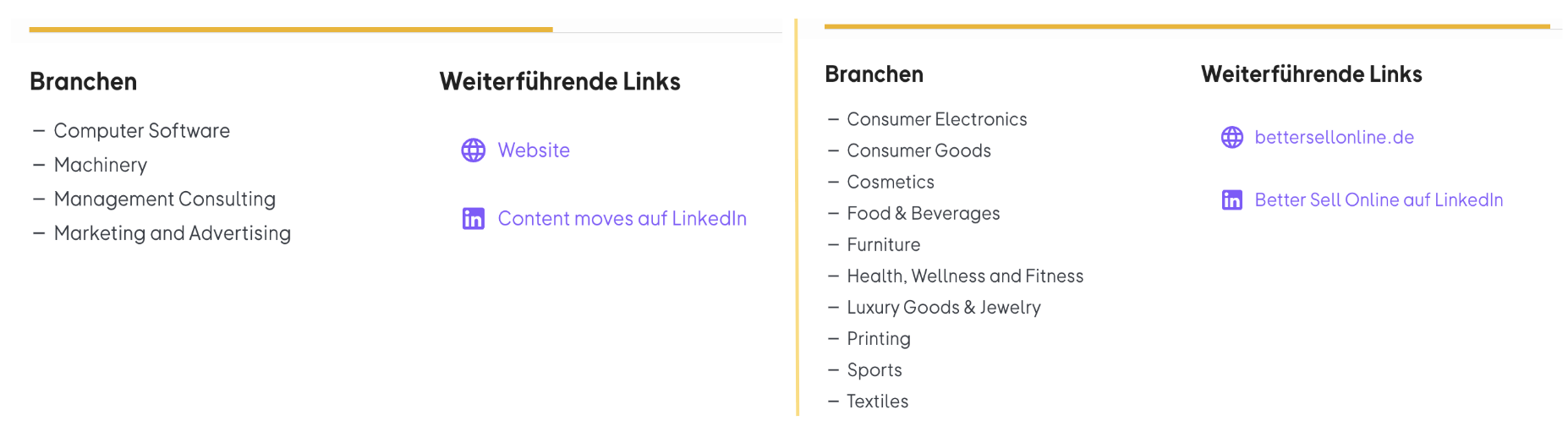
The industries you work in as an agency show potential customers at a glance what expertise and market knowledge you bring to the table.
Whether you're strategically positioning brands, developing creative campaigns, or implementing digital tools - each industry comes with its own requirements, target audiences, and approaches.
When you make it clear in your profile which industries you've already worked in, your value proposition becomes clearer and more tangible for interested parties. Plus, you can integrate additional links to showcase your expertise even more strongly.
Software seekers are typically not just looking for a suitable tool, but also for an experienced partner who can advise them and implement the tool for them. The industry in which a company operates often plays a key role here.
 -2)
-2)
Step 1
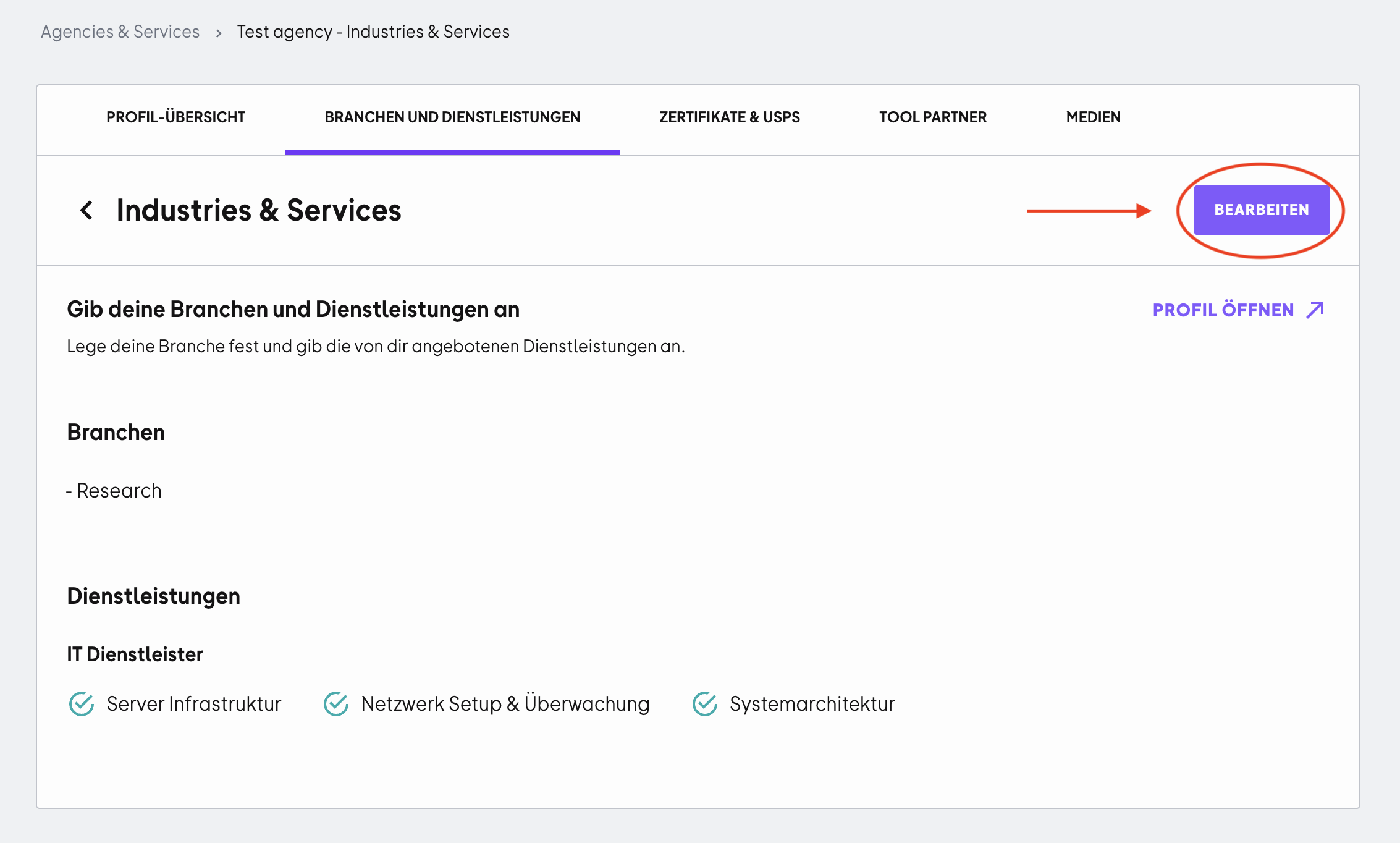
Open the OMR Manager and go to the "Industries and Services" tab.
Click "Edit" to start making your selections.
Step 2
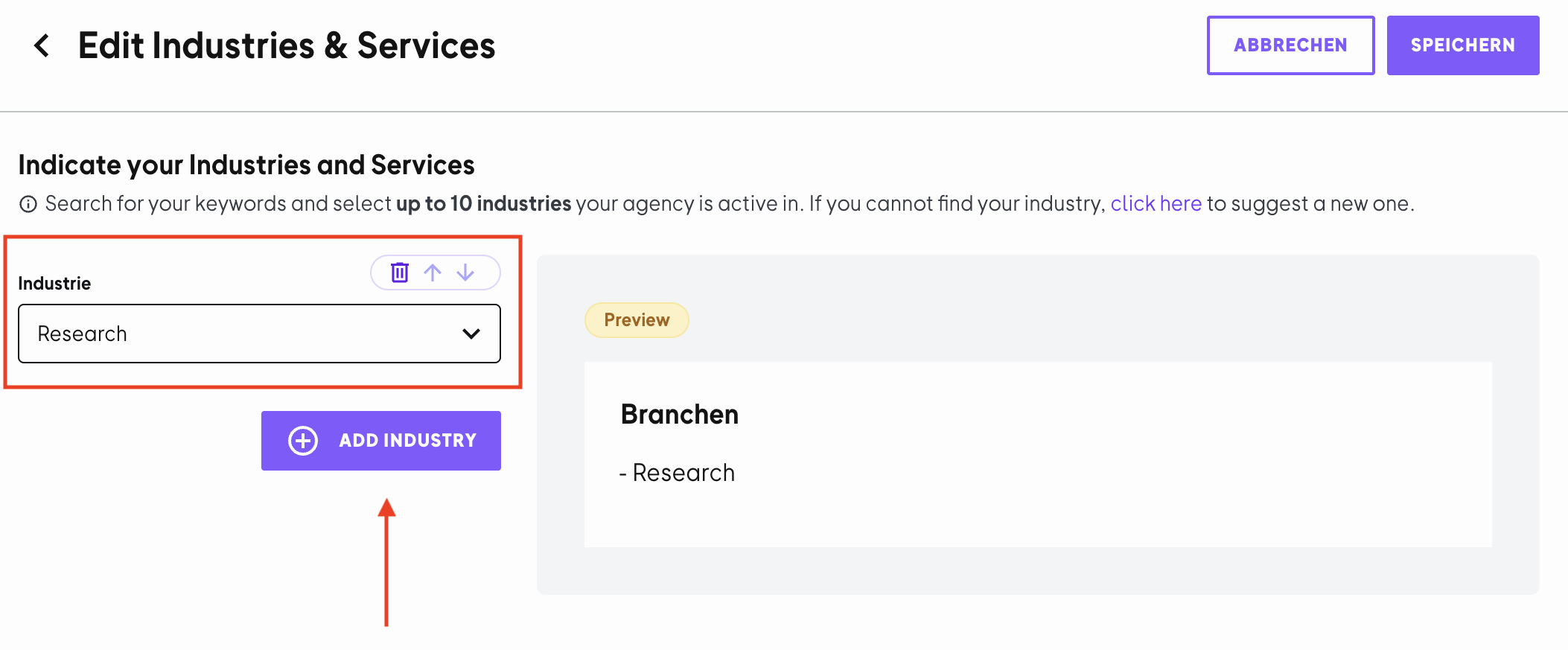
Select one or more industries you work in from the dropdown menu. You can add up to 10 industries. If you're missing an industry, use the feedback link in the tool to suggest a new one.
Step 3
After you've selected your industry or industries, you can add matching services. These are organized by categories, such as "IT Services", "Marketing Services", or "Consulting".
- Select the appropriate services from the dropdown
- You can specify up to 15 individual services per category
- You can adjust the order using the arrows
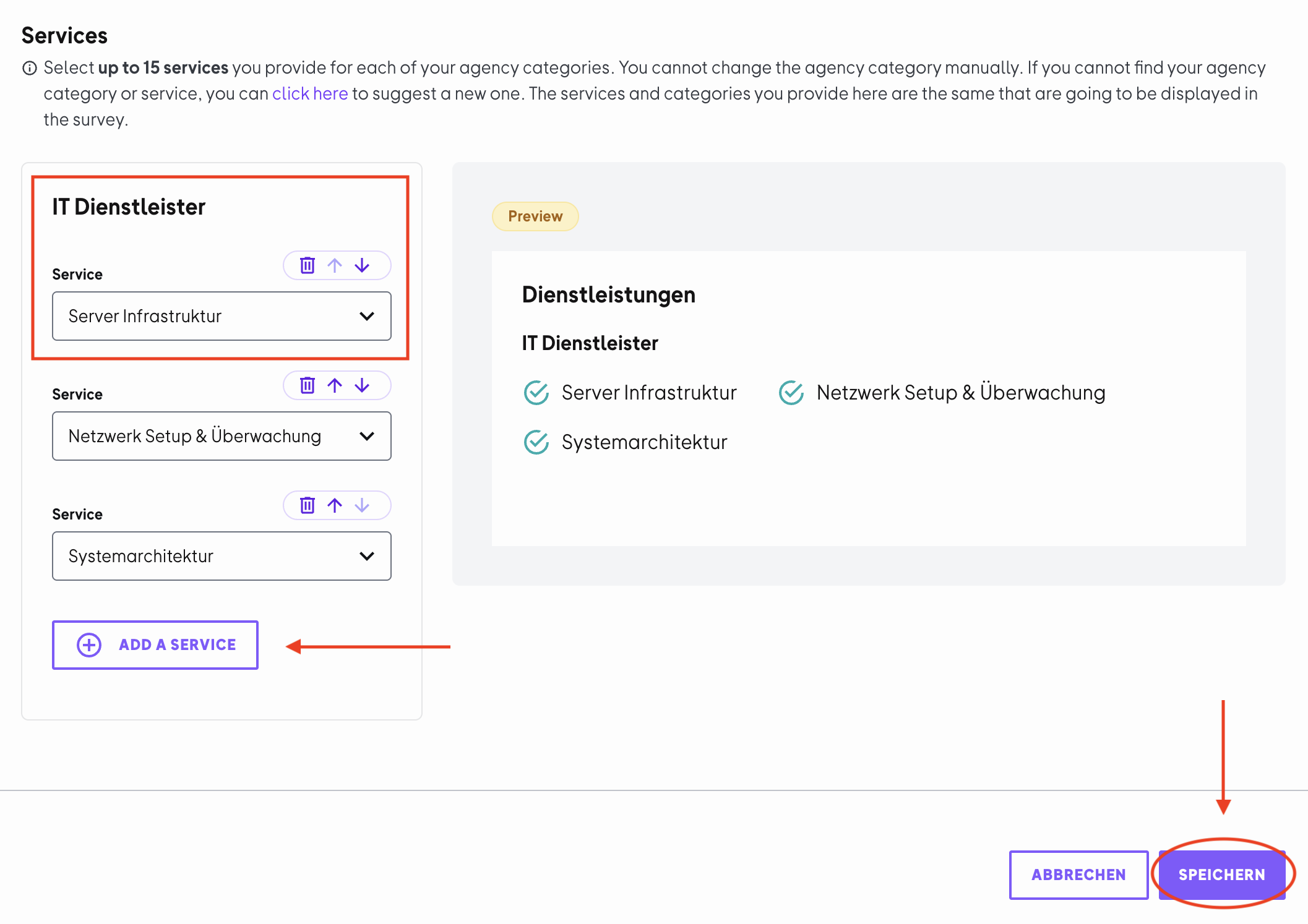
Click "Save" in the top right to apply your changes.
 Powered by happysupport.ai