
Collect reviews for your Business Services profile
Collect reviews for your Business Services profile by sharing your survey link from OMR Manager with customers for a structured review process
Find your survey link in OMR Manager and invite your customers to review you on OMR Reviews
You’ll find your personal survey link in the Reviews section of OMR Manager. You can share it directly with your customers so they can submit a structured review for your profile. Our Customer Support team checks and approves incoming reviews before publishing them on your profile.
This article covers the following topics 👇
- What the survey link is and how it works
- What the review survey looks like from a customer’s perspective
What the survey link is and how it works
Your survey link takes your customers directly to a structured review survey on OMR Reviews. The survey guides them through six steps: from recommending you to questions about the project and detailed ratings, followed by information about their own company.
You’ll get a link in German and one in English. Submitted reviews are checked and approved before appearing in the Reviews section of your OMR Reviews profile.
Reviews submitted through this link will soon affect your ranking. They’ll carry more weight than reviews from external platforms such as Google Maps or Trustpilot. Find out more in the article Agency Profile Rankings and Reviews.
Step 1: Find your survey link in OMR Manager
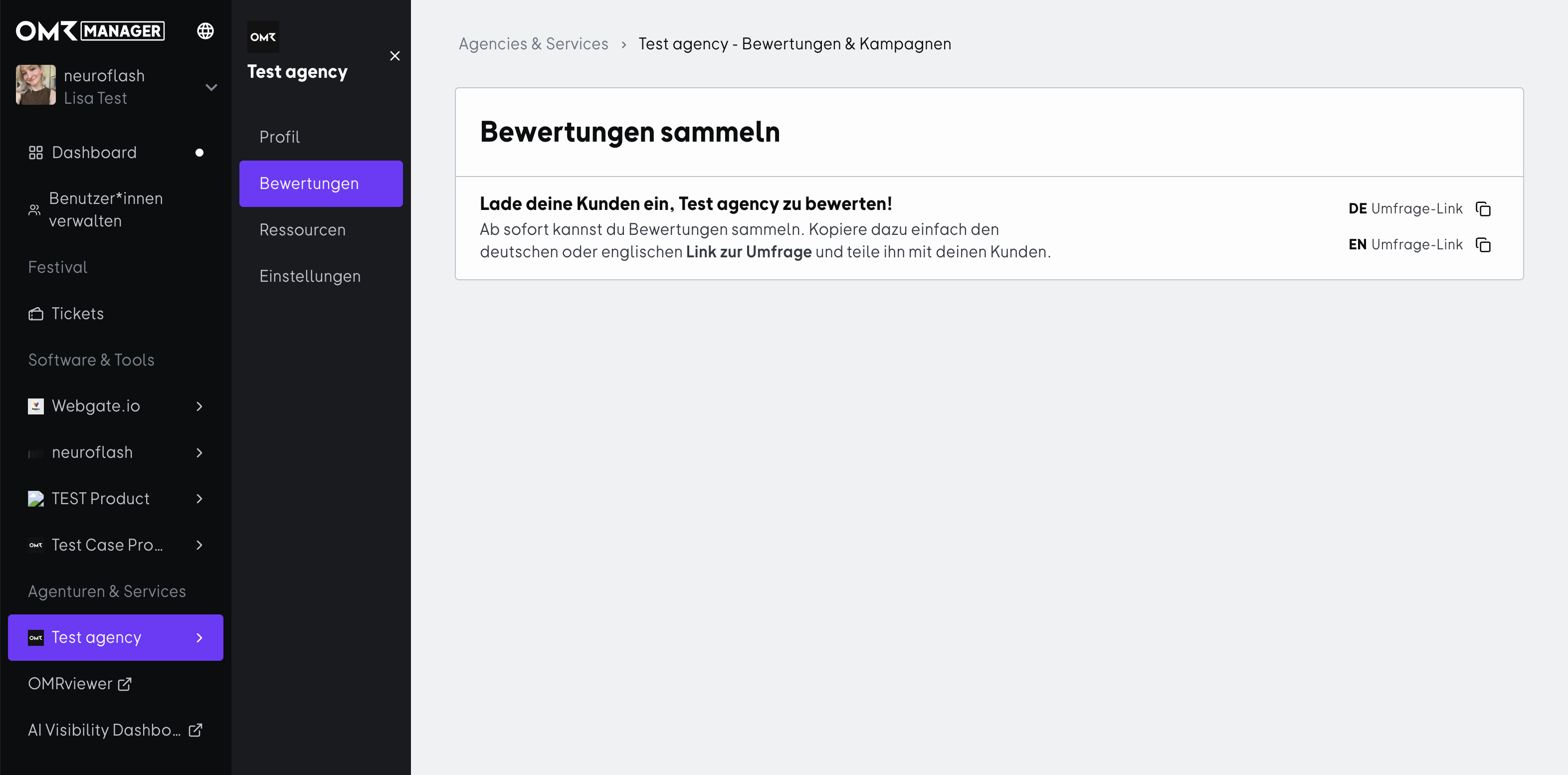
Open OMR Manager and select your Business Services profile in the left-hand navigation. Then click "Bewertungen" in the subnavigation.
There, you’ll find the "Bewertungen sammeln" section with two links you can copy:
- DE Umfrage-Link for German-speaking customers
- EN Umfrage-Link for English-speaking customers
Click the copy icon next to the relevant link to copy it to your clipboard.
Step 2: Share the link with your customers
You can share the link through any channel. These options work well:
- Email after a project wraps up: Send a direct email to the contact who worked with you on the project, shortly after the collaboration ends.
- Follow-up after a customer meeting: If you’ve already discussed your collaboration, you can send the link right afterward.
- End of onboarding or project milestones: These are especially good times to ask, since your customers have had a clear experience to reflect on.
Make sure you copy the full link and test it before sending it.
What the review survey looks like from a customer’s perspective
The survey guides your customers through six steps. It only takes a few minutes, and they don’t need an account.
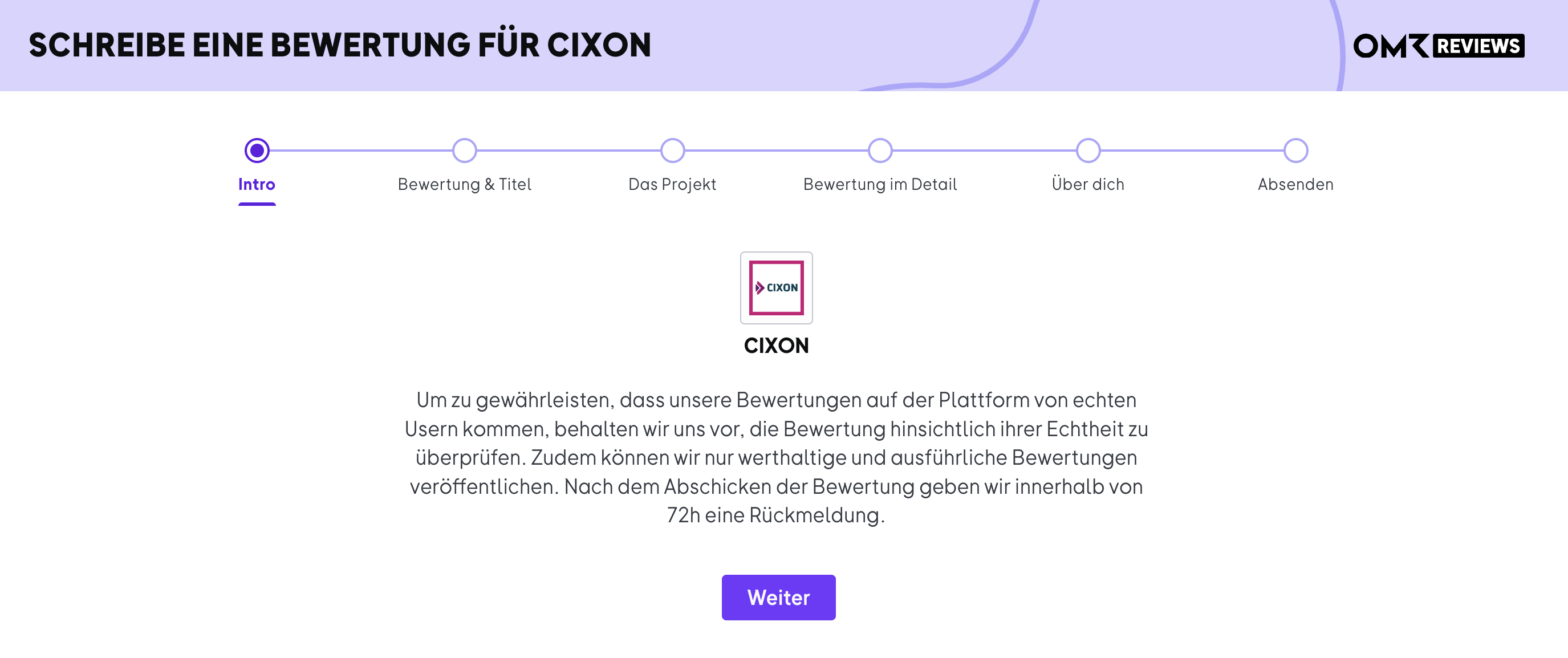
1. Intro: A short note explains that every review is checked for authenticity and that only valuable, detailed reviews are published. Customers will hear back within 72 hours.
-Jun-30-2026-09-57-18-9815-AM)
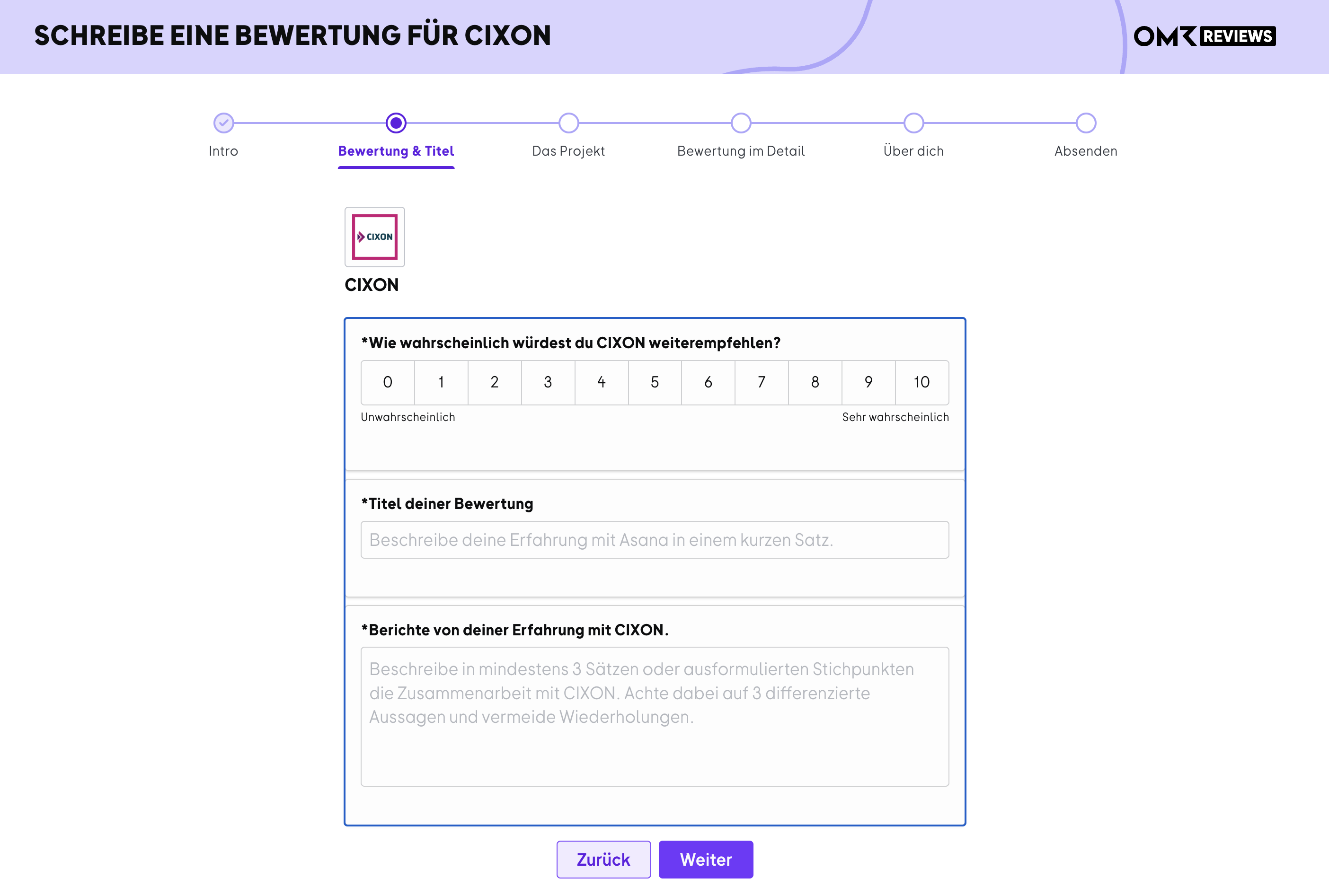
2. Rating & title: How likely they are to recommend you (on a scale of 0 to 10), a title for the review, and a testimonial of at least three sentences.
-Jun-30-2026-09-57-19-0495-AM)
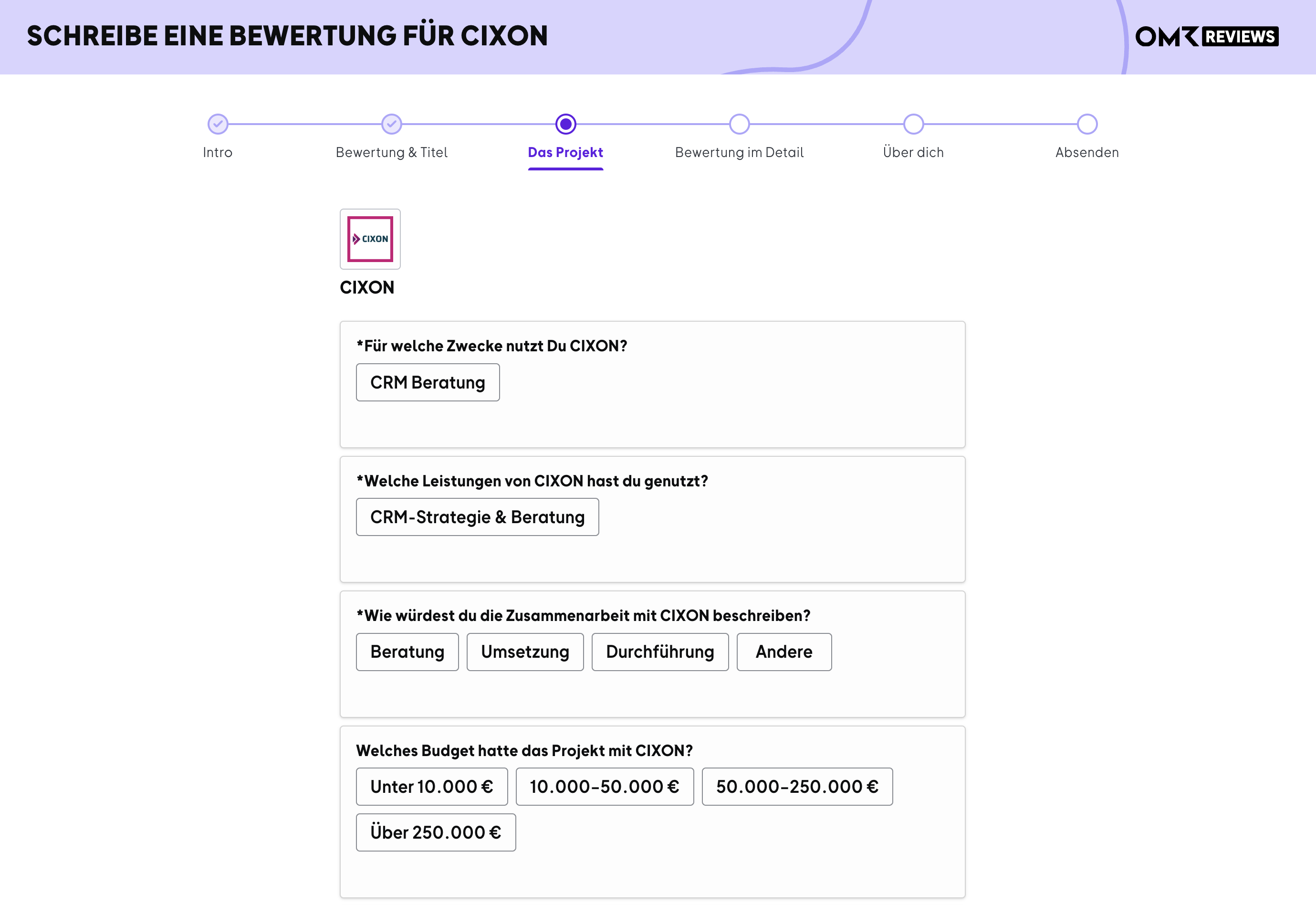
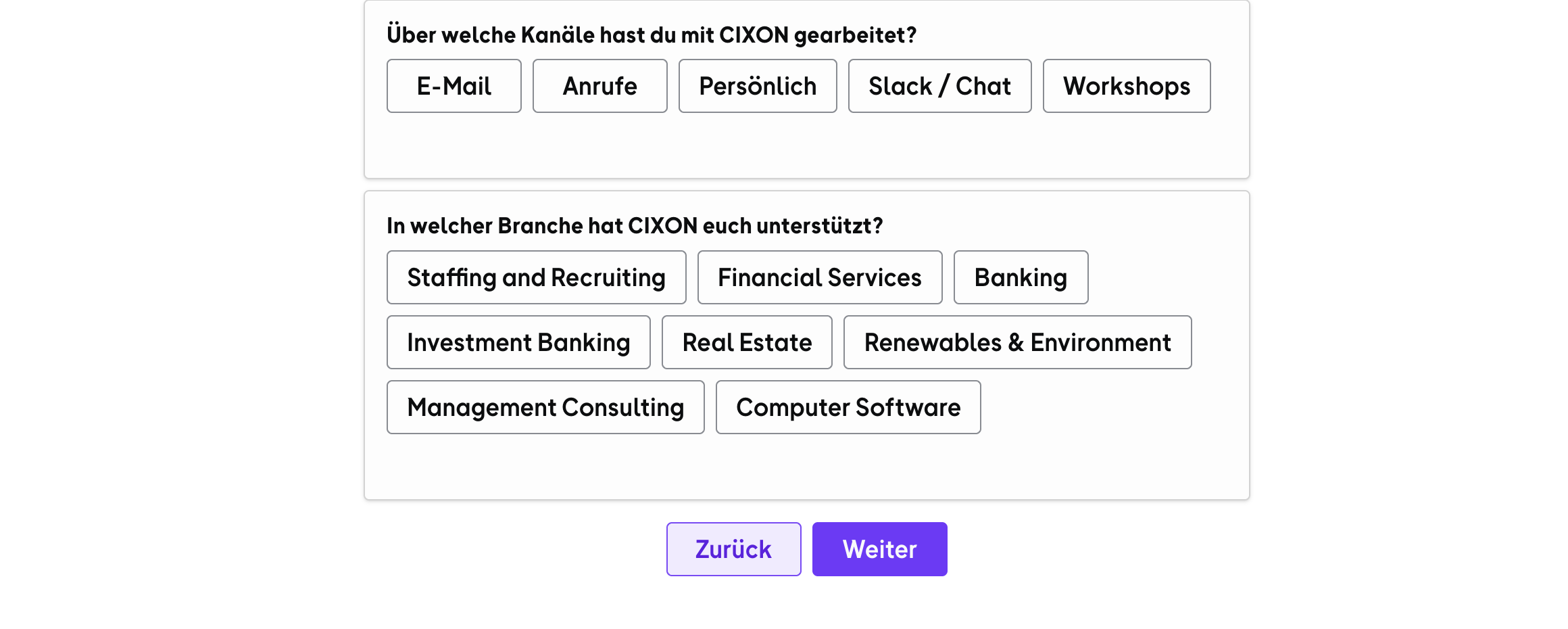
3. The project: What your services were used for, which services you provided, a description of the collaboration, the project budget, the channels used to work together, and the customer’s industry.
-Jun-30-2026-09-57-19-0557-AM)
-Jun-30-2026-09-57-18-9100-AM)
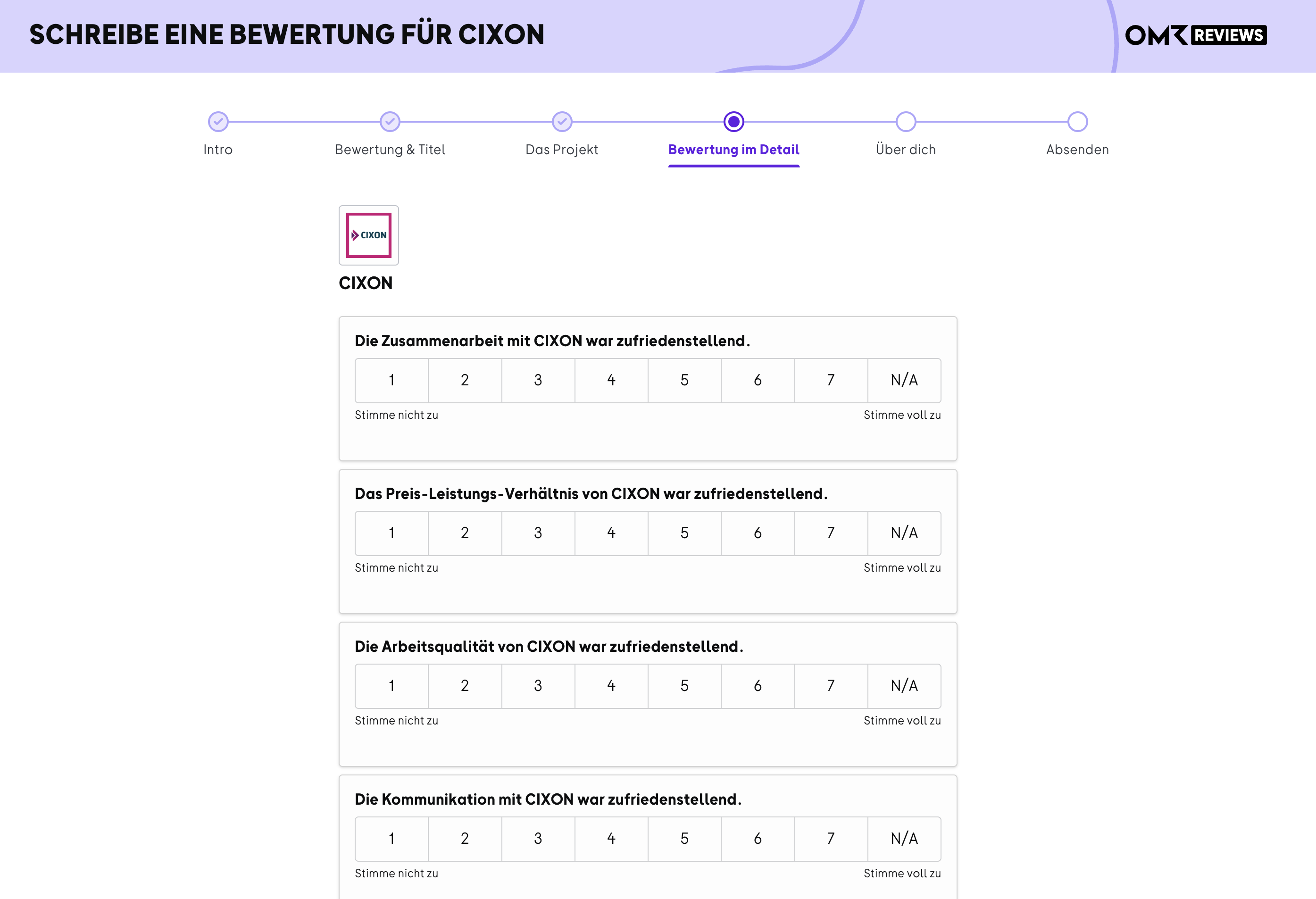
4. Detailed ratings: Four statements about the collaboration, value for money, quality of work, and communication, each rated on a scale of 1 to 7.
-Jun-30-2026-09-57-19-0598-AM)
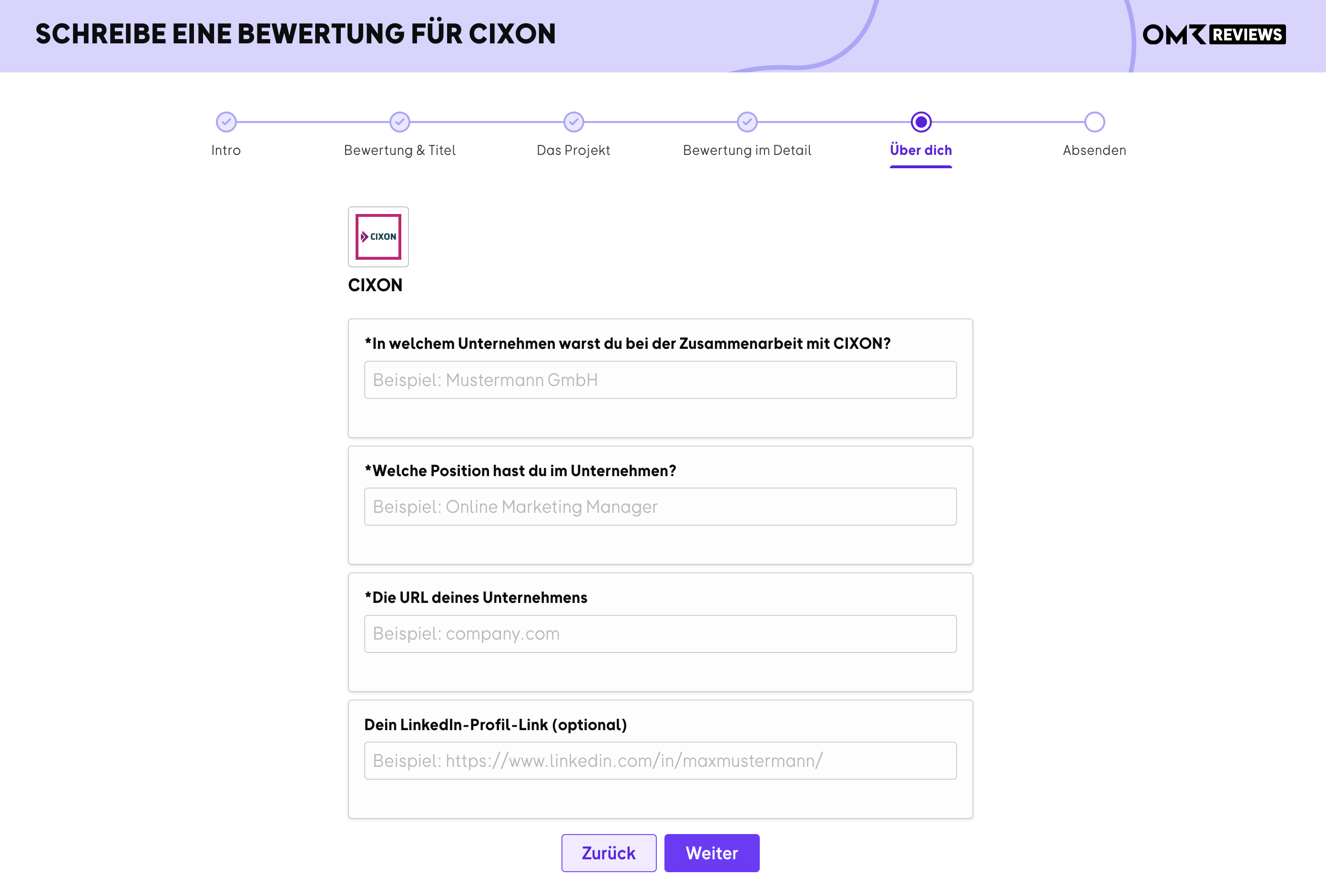
5. About you: The reviewer’s company, job title, and company URL, plus their LinkedIn profile if they wish.
-Jun-30-2026-09-57-19-0287-AM)
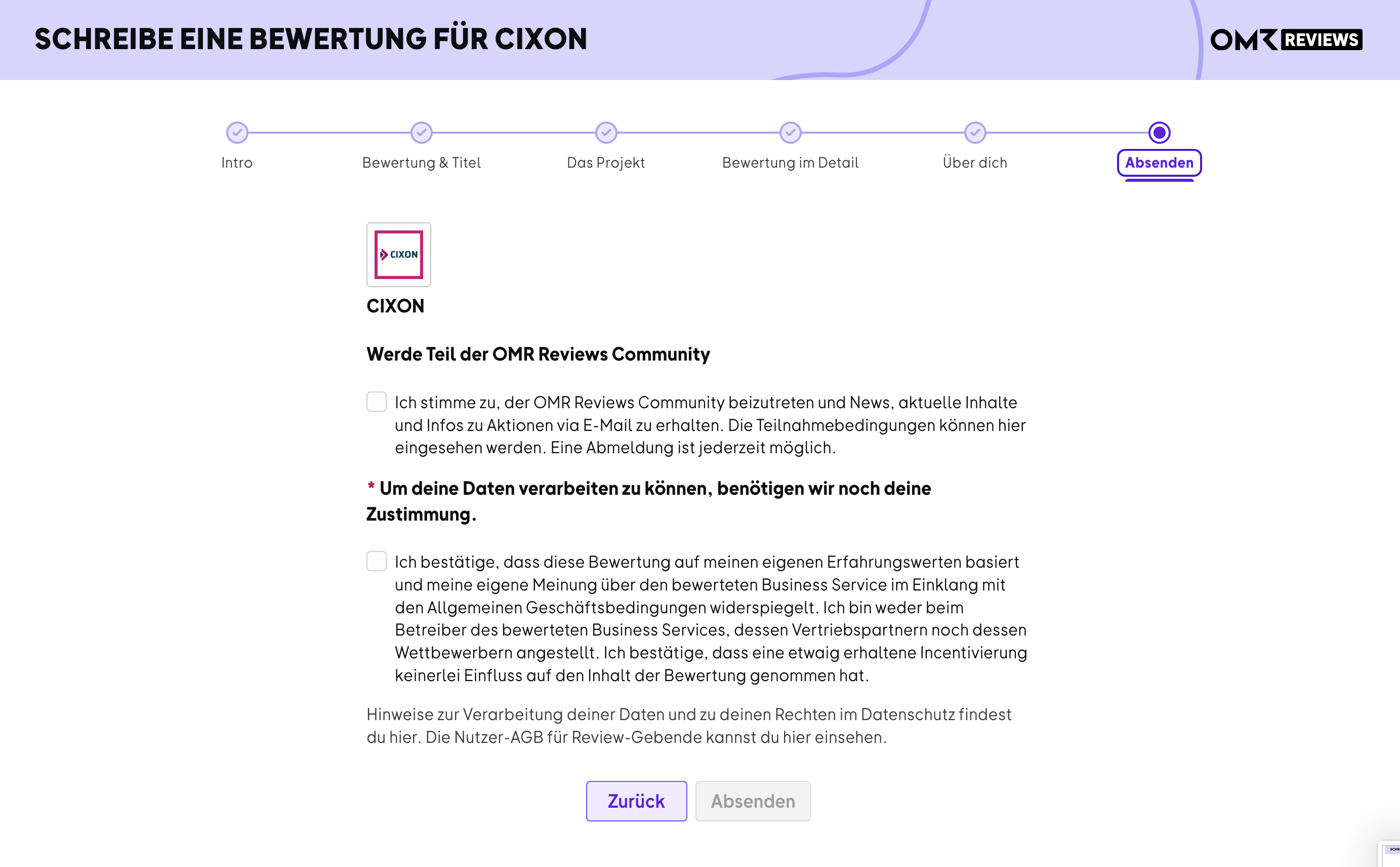
6. Submit: Consent to data processing and confirmation that the review is based on the reviewer’s own experience and was submitted independently. They can also choose to join the OMR Reviews Community.
-Jun-30-2026-09-57-19-1368-AM)
Our Customer Support team will then review the submission. Your customers will hear back within 72 hours, and once approved, the review will appear in the Reviews section of your OMR Reviews profile.
 Powered by happysupport.ai